Valentine's Day (Entire Month) 55% OFF Lovense Discount!

For Valentine's Day, through Lovense, we're able to offer you a 55% holiday discount on any purchase made during the entire month of February using this affiliate link.[www.lovense.com]
How to use Lovense:
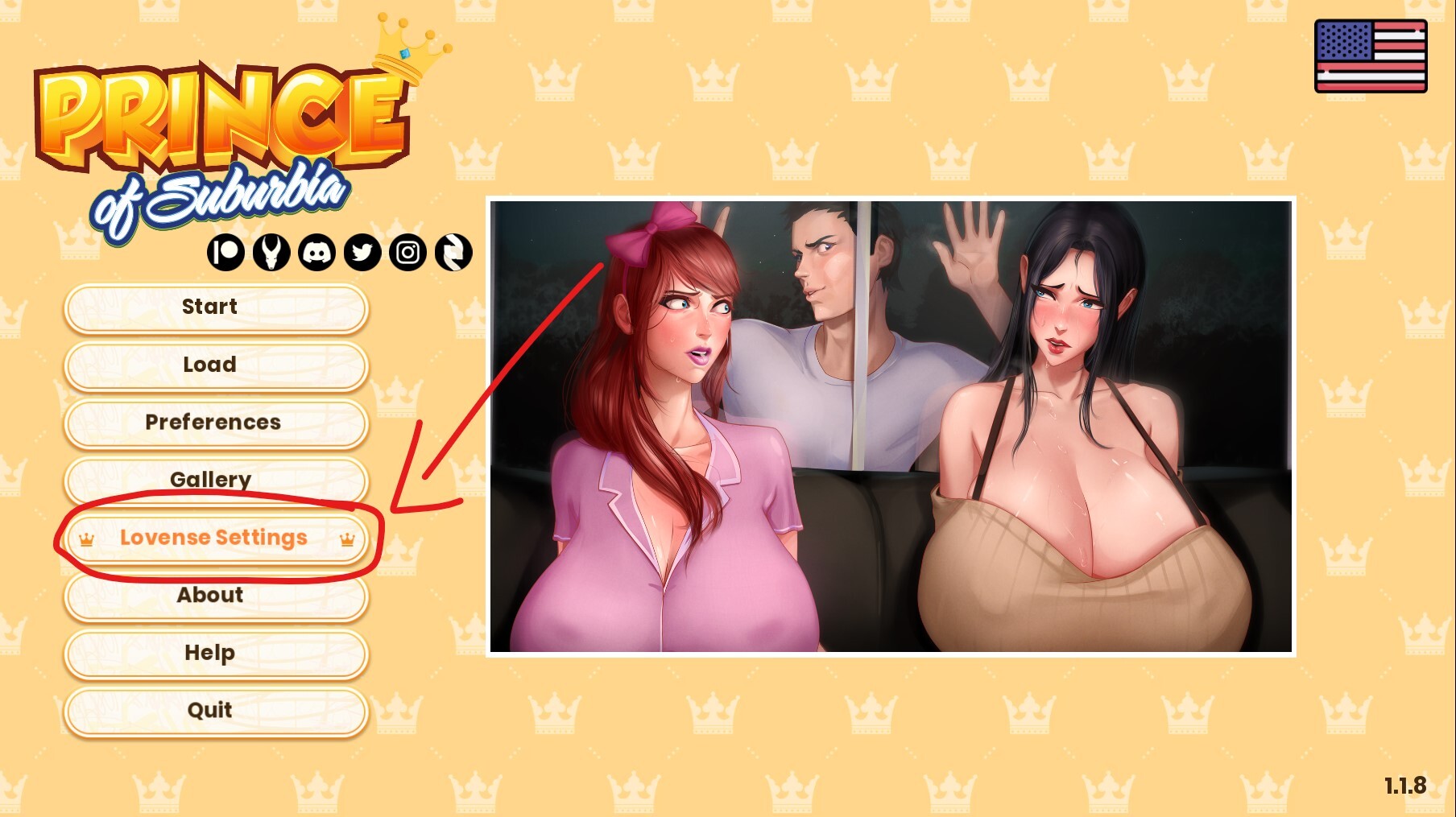
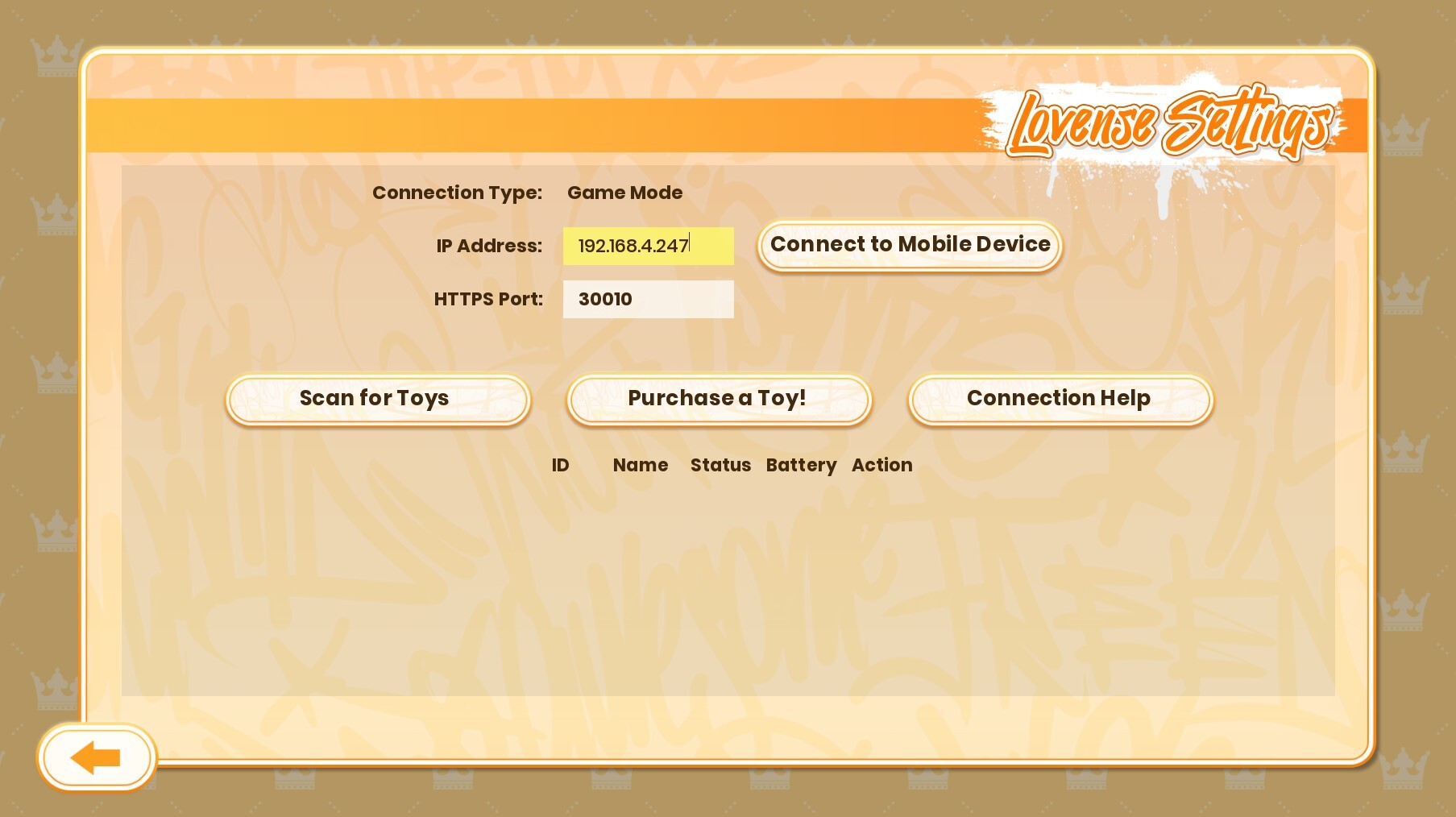
Having trouble using Lovense? Is the Lovense app is trying to connect to its server but can’t reach it? It's likely because of your DNS, firewall, antivirus, or a temporary network block.
Things to try
* Check your internet connection
Make sure your connection is stable and working
* Restart the Lovense Connect app and your PC/phone
Simple, but it resets DNS cache and app connections.
* Try switching DNS
Sometimes your ISP’s DNS doesn’t resolve Lovense’s domains properly.
Try using:
Google DNS → 8.8.8.8 and 8.8.4.4
or Cloudflare DNS → 1.1.1.1
On Windows:
Control Panel → Network and Internet → Network Connections → Right-click your adapter → Properties →
Internet Protocol Version 4 (TCP/IPv4) → Use the aforementioned DNS server addresses.
* Flush DNS cache
Open Command Prompt as admin:
ipconfig /flushdns
Then retry the Lovense connection.
* Check firewall / antivirus / VPN
Temporarily disable your antivirus or firewall and test.
If you’re using a VPN, try disabling it (or switching servers).
Some strict firewalls block the ports Lovense uses for Bluetooth or HTTPS API calls.
Try mobile hotspot or another Wi-Fi
If it connects on another network, it’s likely your router’s DNS or firewall.
More from Prince of Suburbia - Part 1