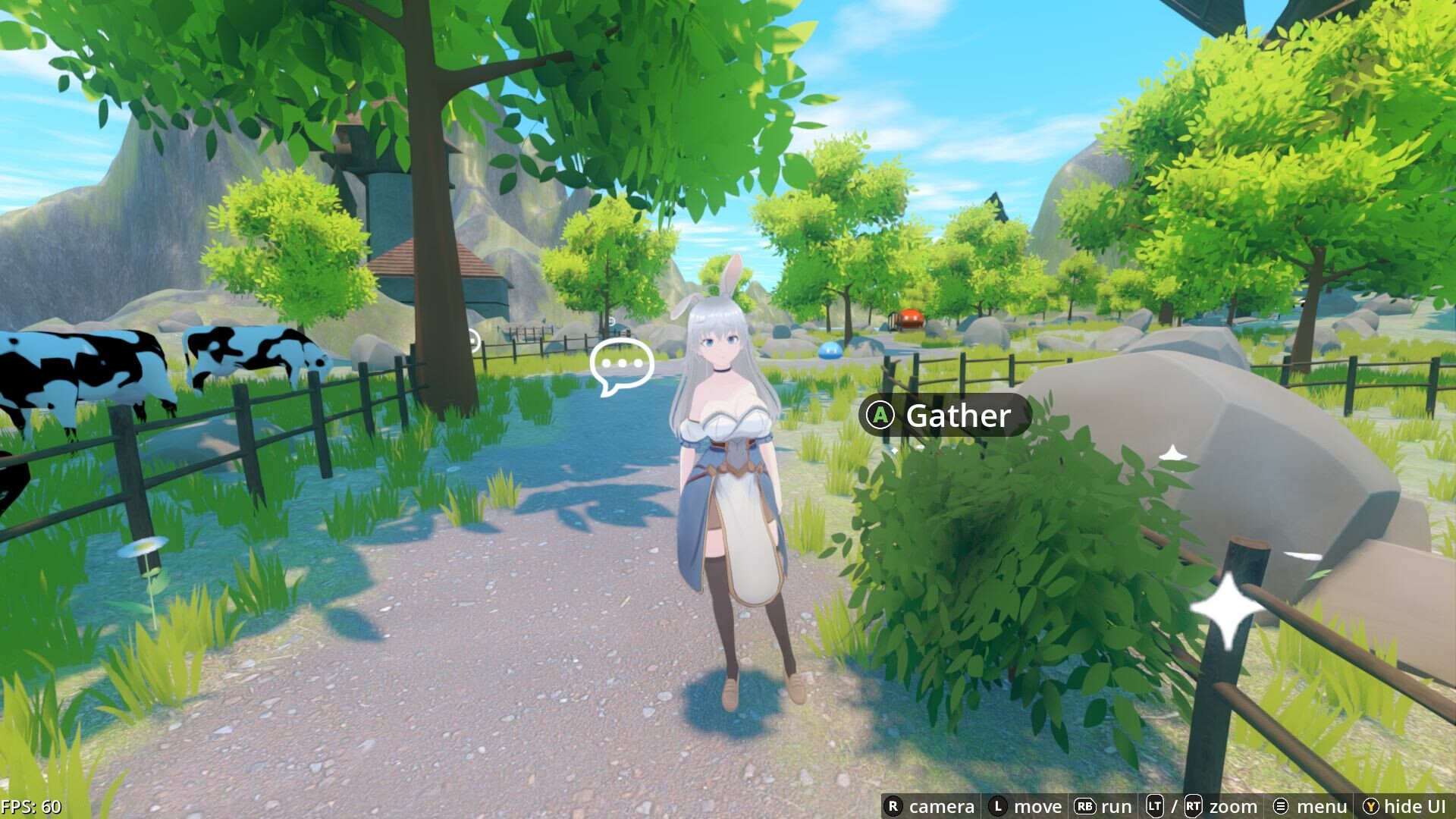
Play it on Steam Deck!
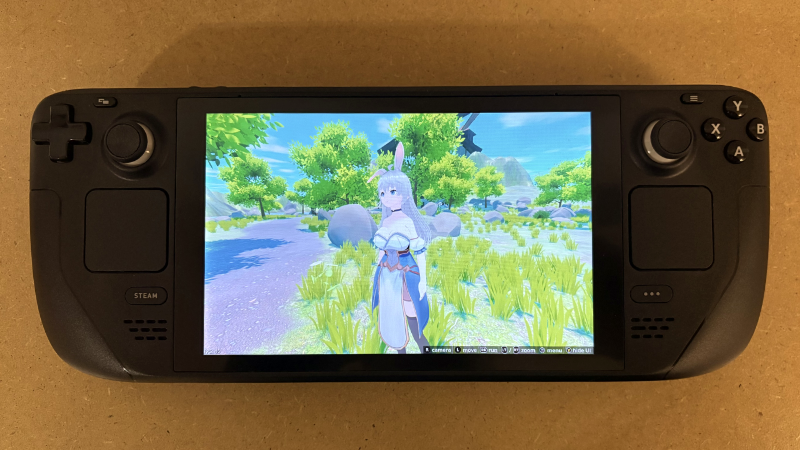
I'm happy to announce that the game received official "Verified" compatibility status after recent updates!
Grab your Steam Deck and give it a go!
The game utilizes a full 16:10 aspect ratio for most of the time, but sex scenes are locked to 16:9 with black bars at the top and bottom of the screen.
PS: In theory, it also means that it should also play well on other handheld console devices running on Windows or Linux operating systems.
Go to the settings [cog icon to the right], then "Properties...", go to "Controller", and in "Override for Slave Harem" select "Disable Steam Input". You can switch between controllers at any time - the game engine will handle the display of glyphs upon pressing a button.
Steam Deck unit provided courtesy of Valve for testing and development.
Grab your Steam Deck and give it a go!
The game utilizes a full 16:10 aspect ratio for most of the time, but sex scenes are locked to 16:9 with black bars at the top and bottom of the screen.
PS: In theory, it also means that it should also play well on other handheld console devices running on Windows or Linux operating systems.
About using PlayStation controller
To see PlayStation-style icons when using an external PS controller, you should disable Steam Input.Go to the settings [cog icon to the right], then "Properties...", go to "Controller", and in "Override for Slave Harem" select "Disable Steam Input". You can switch between controllers at any time - the game engine will handle the display of glyphs upon pressing a button.
Steam Deck unit provided courtesy of Valve for testing and development.
More from Slave Harem