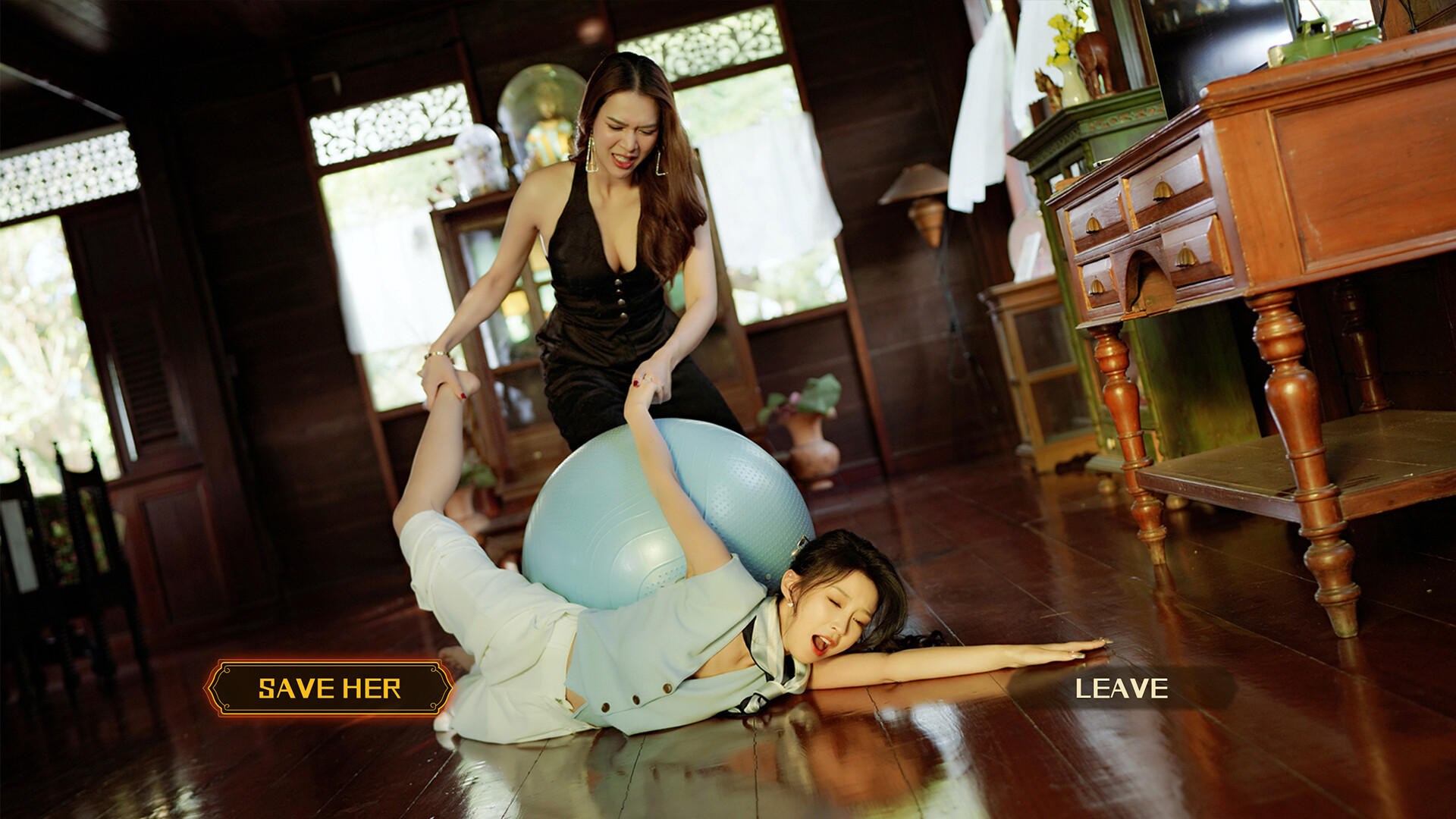
Game features and gameplay instructions

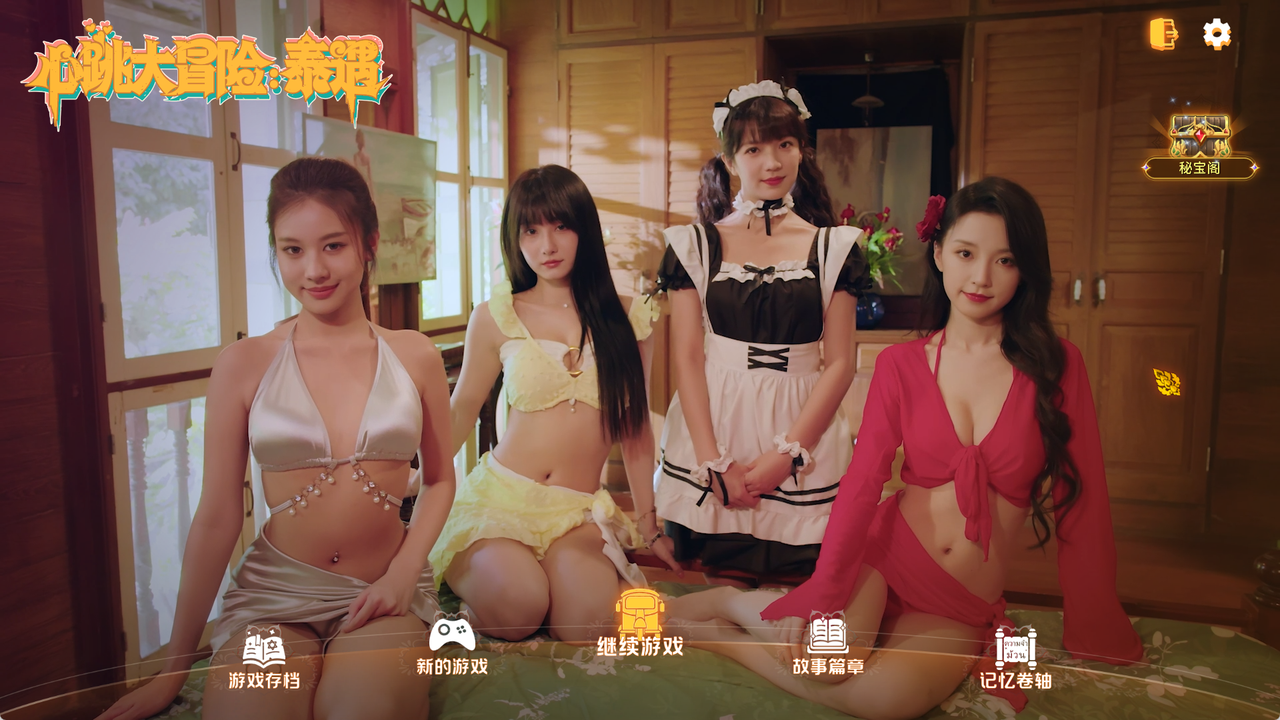
On the game homepage, click on the treasure box "Secret Treasure Pavilion" in the upper right corner to enter the "Secret Treasure Pavilion" (i.e. the opening treasure box page). By opening the treasure box, you can obtain items or costumes to unlock the character's "personal dynamic wallpaper", "future talk", and "costumes". After obtaining the corresponding items, you can unlock the character's extended video, as shown in the following example:
Get props and items to unlock the character's extended video:

Unlock the character's "Personal Dynamic Wallpaper", "Next Day Talk", and "Clothing" by opening the treasure box to expand the video content (important note: Next Day Talk is a plot video, it is recommended to stick to watching it). The function entry guide is shown in the following figure:
1.1.1 Method 1 (One Click Direct):
Click on any female protagonist on the game homepage to directly access it;
1.1.2 Method 2:

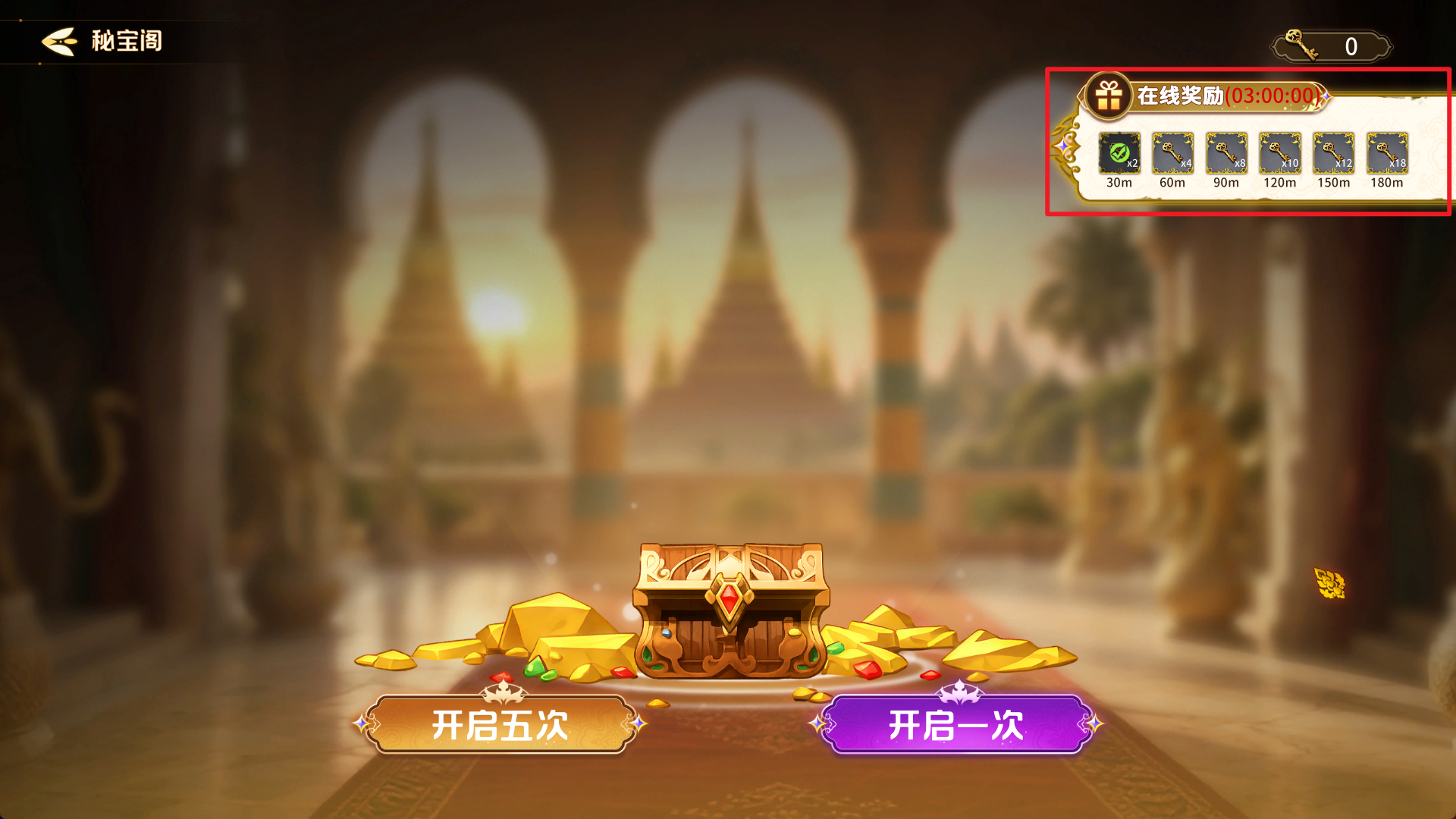
The treasure chests in the "Secret Treasure Pavilion" require keys to open, with a total of 183 keys. There are three ways to obtain the keys:
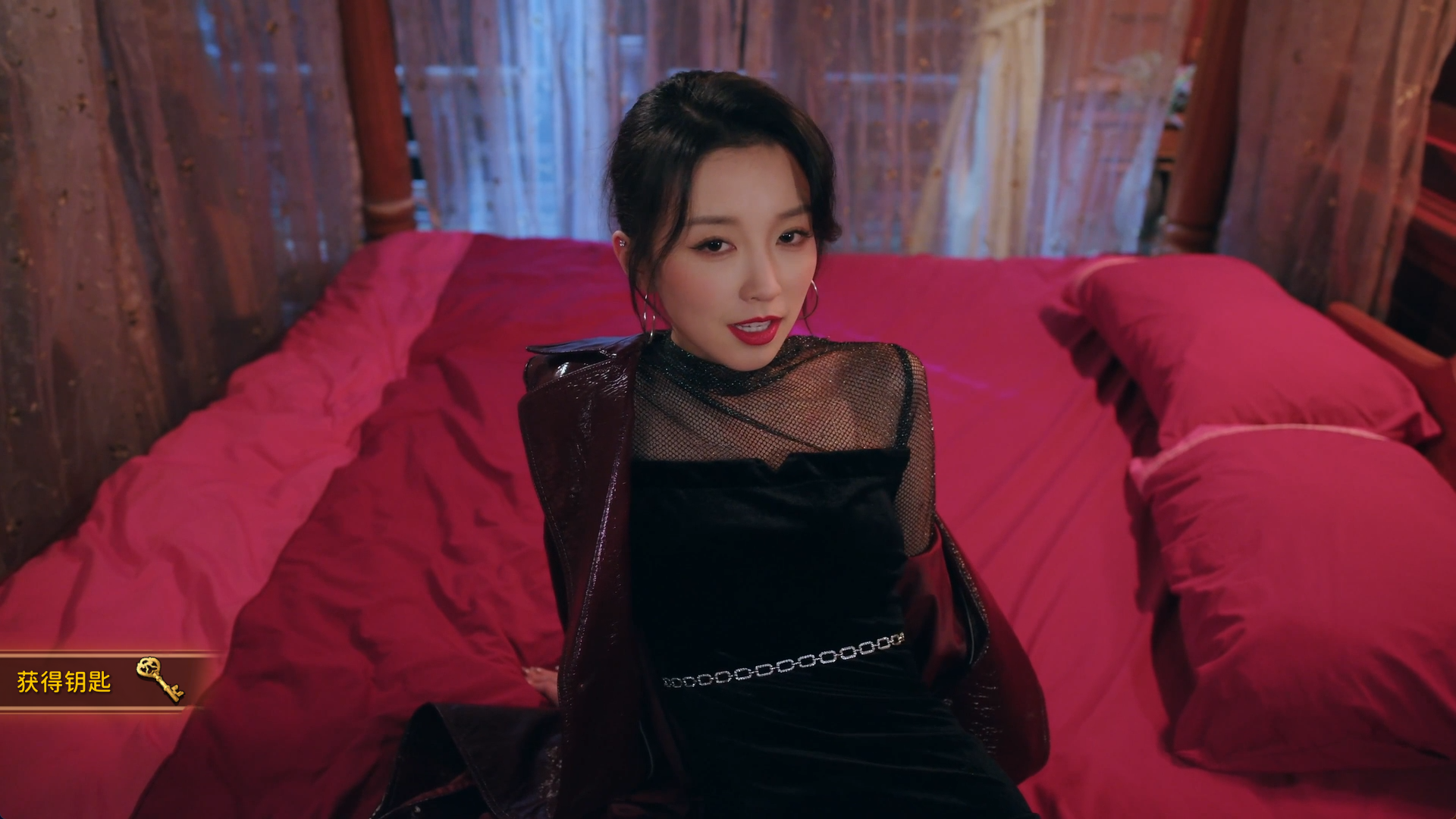
a. By watching the plot, keys will be obtained at specific plot points (not repeated), totaling 80 keys;
b. Online reward keys, there will be a timer in the upper right corner of the "Secret Treasure Pavilion" page, reaching the time to receive keys, a total of 54 keys;
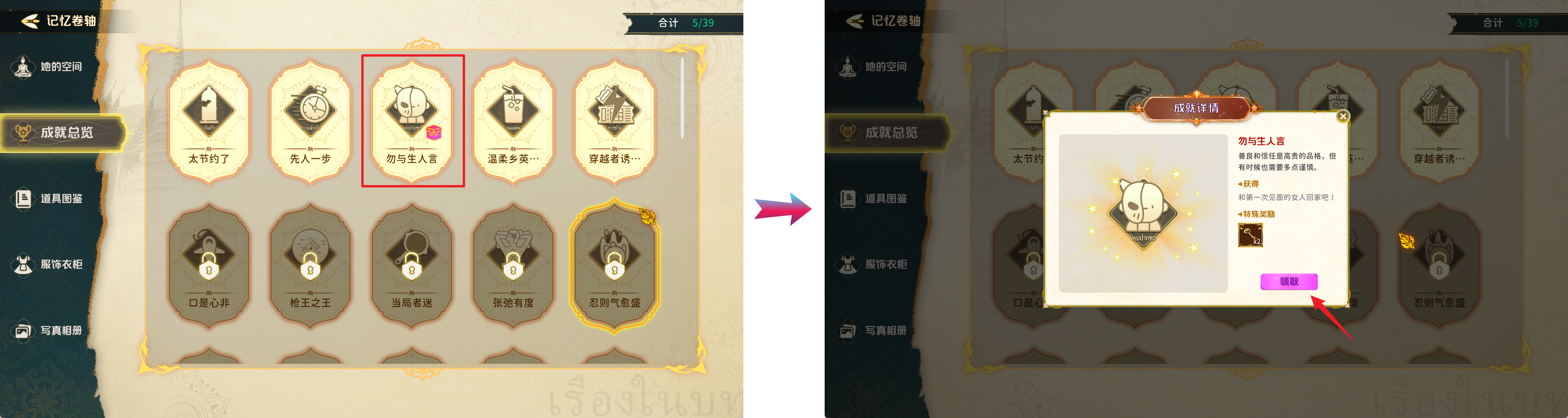
c. Achievement rewards, unlocked achievements will come with key rewards, totaling 49 keys;
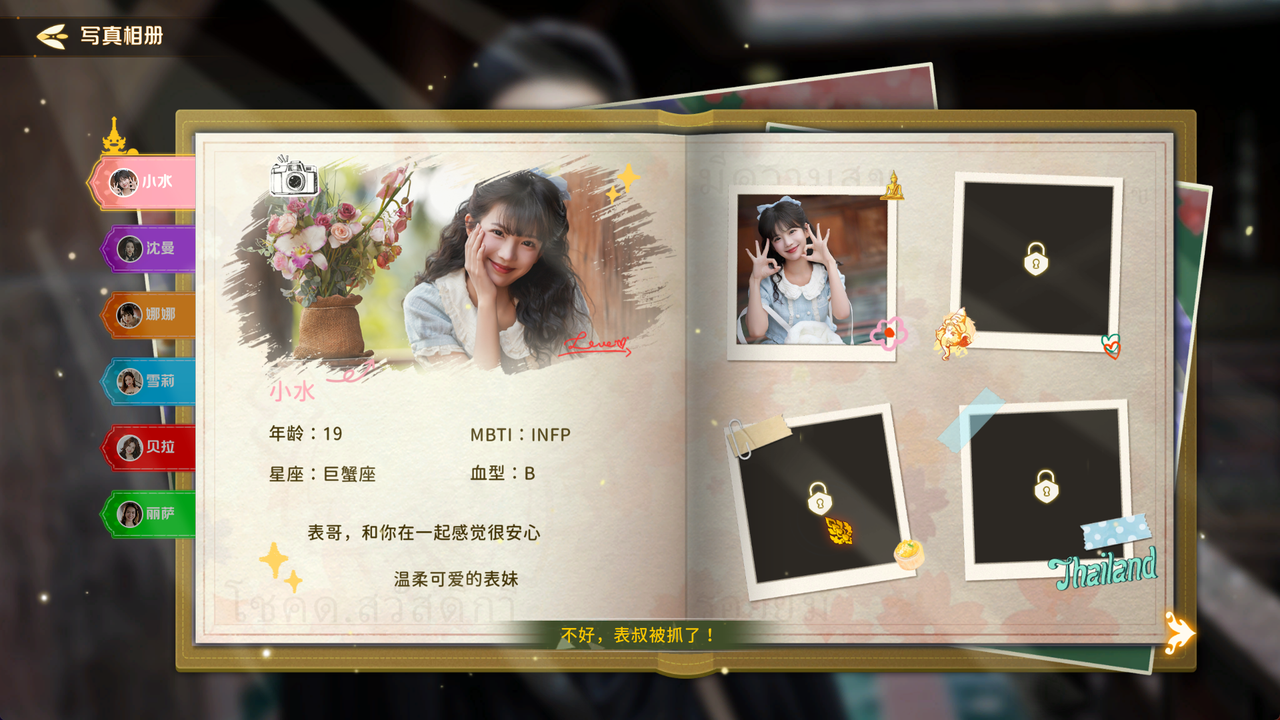
There is only one way to unlock the album in this game, which is through plot exploration. Ununlocked photos will have corresponding text prompts when clicked.
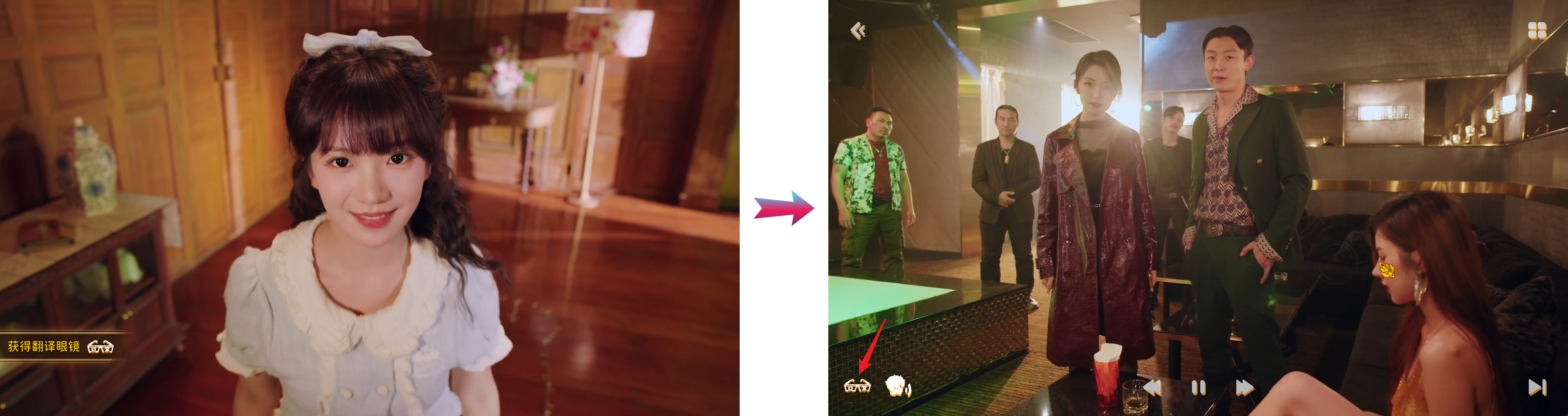
This game supports Thai dubbing and Chinese dubbing. Once you obtain the translation glasses in Chapter 1, you can activate this feature;
The specific usage method for downloading and switching dynamic wallpapers on the homepage is as follows:

More from Heartbeat in Thailand