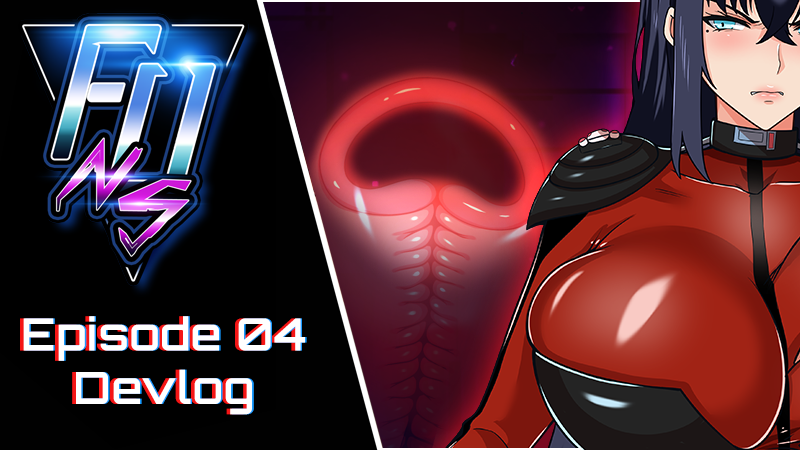
Episode 04 Devlog - New Feature: Interactive X-Ray Vision
Hi everyone!
We're happy to bring you Episode 04 of FUNS, with a new feature: An upgraded, interactive X-Ray Vision!
Here is the teaser trailer for the new episode - if you like what you see, a wishlist entry would be awesome, thanks!
https://www.youtube.com/watch?v=4oNch4fXBJI
Episode 04 continues the main story and adds more scenes, artwork, music, sounds and more. Here is an overview of the new content:
6 New CGs
3 New Animations
Interactive X-Ray Vision system
Additional Art (1)
Replaced 3 BGs with new handmade ones
24k words
125 Additional SFX
Added Chinese translation for Episode 02
The episode took us longer than expected due to the aforementioned new feature we added: A live and interactive X-Ray Vision system!
This was a very ambitious project that required time, resources and more playtesting than usual. Ren'Py isn't quite made for it, so we had to make it work. Things got a bit stressful, but we kept going and we hope that you'll like the result. Speaking of it, here is how the new feature works:
New X-Ray Vision:
The old X-Ray view was always a static picture that could only be accessed in the status screen, but now we changed it so it can actually be animated - and you can toggle the X-Ray view on and off at any time! (Minus the occasional technical exception).
As you can imagine, this feature will be very useful for future scenes
How to:
To enable the X-Ray view: On PC you can press the X key to toggle it on and off, or click the X-Ray button on the quick bar at the bottom of the dialogue box (tapping that button is also how you access the X-Ray view on mobile).
The X-Ray panel can be moved around by clicking and holding the mouse (or by touching and dragging with your finger on mobile). Please enjoy the freedom of placing it wherever you desire!
The X-Ray feature is available in both POVs as long as you are playing with the Full Status or Limited Status mode enabled. Even when you are playing as Aiden, you can toggle the X-Ray view to get an intimate insight of Luna’s most private parts at that very moment.
We also made a change for those who play in Limited Status mode. By default, the X-Ray will be disabled in the Status menu, but now you can activate it by clicking the button right above it. We hope this will make the experience even more personalized for players.
Important: We had to make lots of changes to the code to make the X-Ray Vision work, as such your earlier saves won’t work properly. We apologize for the inconvenience. 🙏 If you don’t want to start fresh and just want to jump to the latest content, you can do so via the Episode Select feature in the Main Menu (you will be asked to pick your perspective and previous choices).
That’s it for now! We’re already at work on the next episode, so please look forward to it! (After enjoying Episode 04, of course!)
Take care. 💜
Azienda
More from Falling Undercover: Nox Syndicate