Deadrock Redemption 2 Update 1.1.5
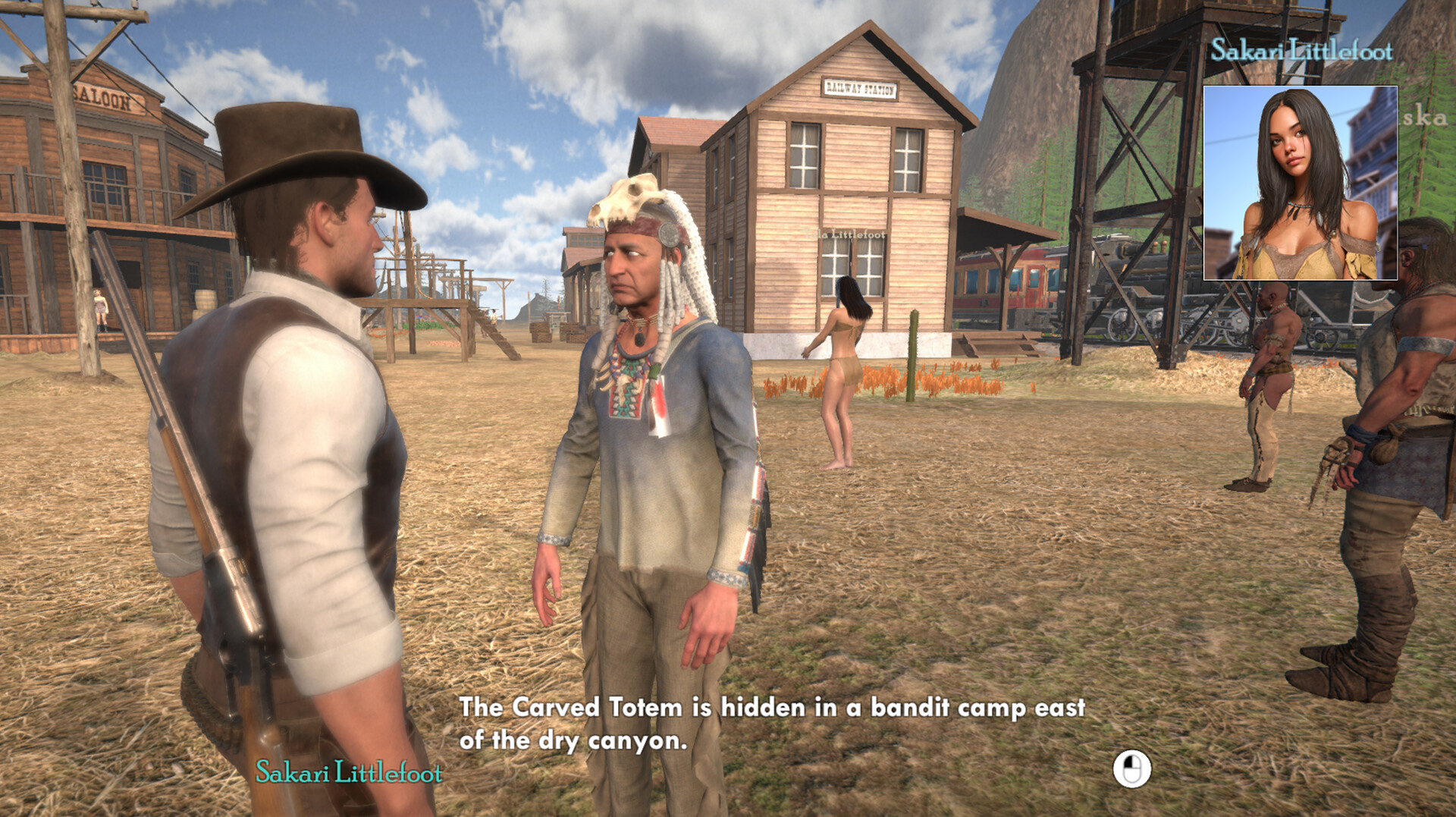
Howdy folks,
We’re back with a new update for Deadrock Redemption 2, focused on performance improvements and player-requested control options. This patch is all about making the game smoother, more responsive, and more comfortable to play across different setups.
🚀 What’s New in This Update
Full Scene Occlusion Culling
Implemented full scene occlusion culling across towns, interiors, and open-world environments
Significantly reduces unnecessary rendering behind walls, terrain, and large structures
Results in noticeable FPS gains, especially in Deadrock town, saloons, mines, and dense canyon areas
Improves performance on both mid-range and high-end systems without visual degradation
Inverted Mouse Settings
Added Invert Mouse Y-Axis option in the Controls menu
Players can now toggle inverted look independently for mouse input
Changes apply instantly and are saved per profile
🛠️ Additional Notes
Minor memory optimizations tied to the new culling system
Improved camera smoothing when rapidly changing directions
No save-breaking changes in this update
As always, thank you for your continued feedback and support. Deadrock Redemption 2 keeps getting better because of the community, and we’re excited to keep building this world with you.
More updates coming soon — stay sharp out there, gunslingers. 🤠🌵
We’re back with a new update for Deadrock Redemption 2, focused on performance improvements and player-requested control options. This patch is all about making the game smoother, more responsive, and more comfortable to play across different setups.
🚀 What’s New in This Update
Full Scene Occlusion Culling
Implemented full scene occlusion culling across towns, interiors, and open-world environments
Significantly reduces unnecessary rendering behind walls, terrain, and large structures
Results in noticeable FPS gains, especially in Deadrock town, saloons, mines, and dense canyon areas
Improves performance on both mid-range and high-end systems without visual degradation
Inverted Mouse Settings
Added Invert Mouse Y-Axis option in the Controls menu
Players can now toggle inverted look independently for mouse input
Changes apply instantly and are saved per profile
🛠️ Additional Notes
Minor memory optimizations tied to the new culling system
Improved camera smoothing when rapidly changing directions
No save-breaking changes in this update
As always, thank you for your continued feedback and support. Deadrock Redemption 2 keeps getting better because of the community, and we’re excited to keep building this world with you.
More updates coming soon — stay sharp out there, gunslingers. 🤠🌵
More from Deadrock Redemption 2