[April 16] Update Notes (Finished, Extended, Apr. 16 06:30 UTC)
Guide your Star-kissed Saviors, StarSavior!
Greetings, Captain! This is your Liaison Officer, GM Lisa.
Here are the details for the Thursday, April 16 update.
▣ Maintenance Time: Apr. 16, 01:00 - 04:00 07:00 (UTC) (6 hours, 3 hour extension)
▣ Maintenance Impact: Game access unavailable during maintenance
▣ Maintenance Rewards: 100 Stellagems + 3 Standard Savior Observation Tickets
▣ Maintenance Extension Rewards: 3 Standard Savior Observation Tickets
※ The contents of the patch notes are subject to change depending on the timing of the update.
For more accurate details, please check in-game after the update.
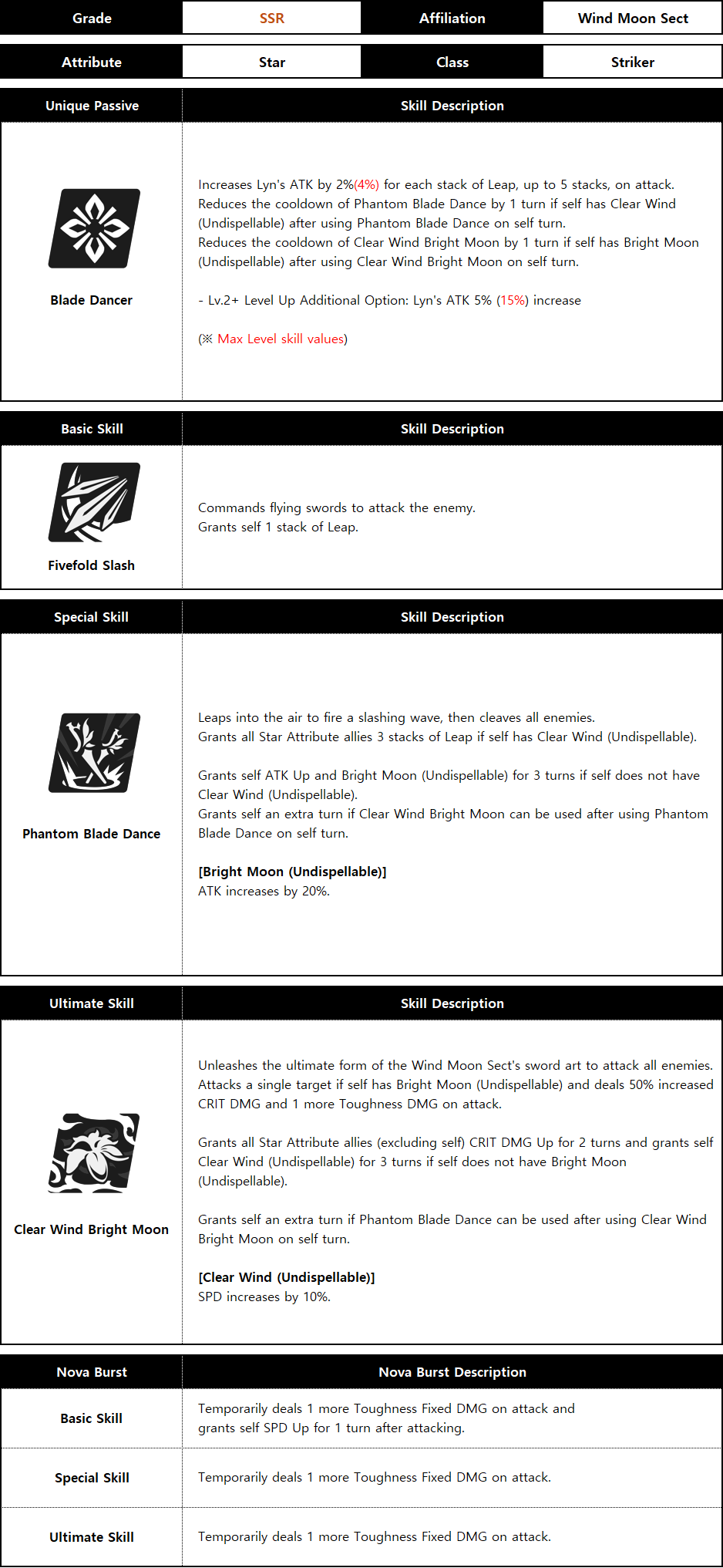
▶ New Savior ‘Lyn’ can be obtained through the in-game Observation > New Featured Savior Observation menu.
▶ Period: Apr. 16 after maintenance - Apr. 30 19:00 (UTC)
※ Featured Observation Saviors will be added to Standard Observation in a future update after the event period ends.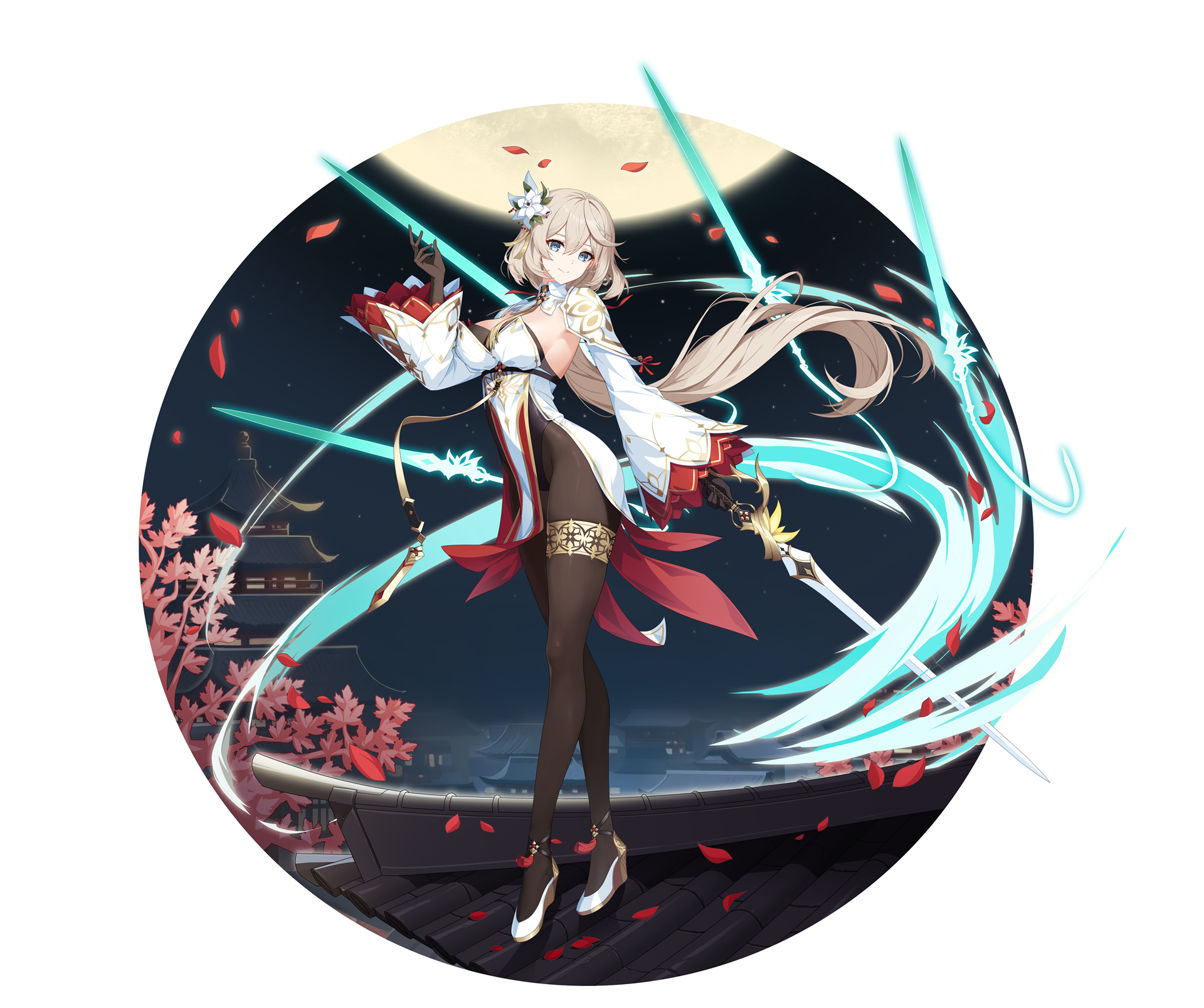 "You did great! Here's a pat on the head. Pat pat~"
A girl from the Wind Moon Sect.
Before coming to NOA, she taught manners and etiquette to children,
so she often speaks like a teacher.
Except for putting herbs in all the dishes, she was a perfect teacher for children.
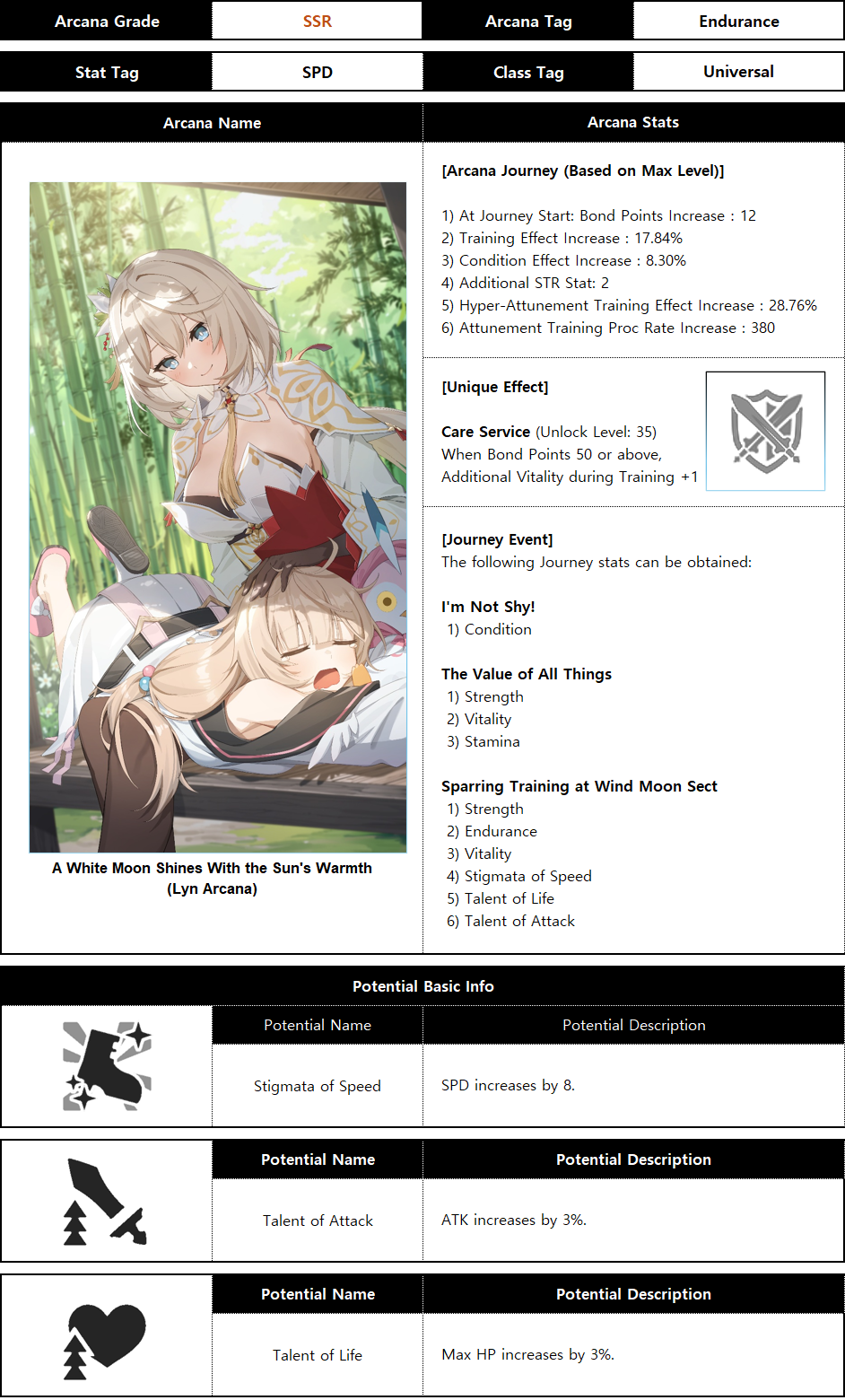
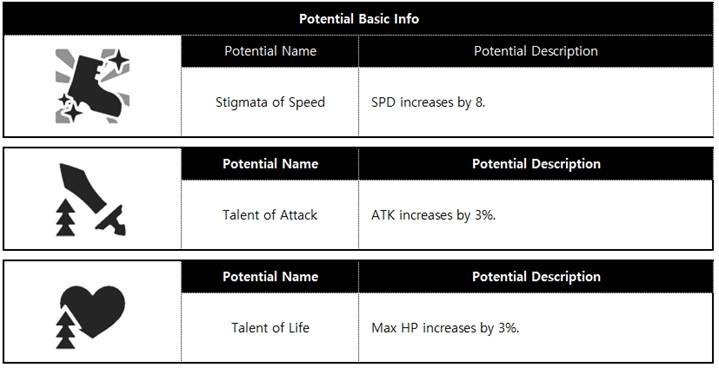
▶ ‘Lyn’ Arcana ‘A White Moon Shines With the Sun’s Warmth’ can be obtained through the in-game Observation > Featured Arcana Observation menu.
▶ Period: Apr. 16 after maintenance - Apr. 30 19:00 (UTC)
※ The Featured Observation Arcana will be added to Standard Observation in a future update after the event period ends.

3. Guild Defense
▶ Guild Defense Galaxy Season 2 begins.
▶ Period: Apr. 16 after maintenance - Apr. 22 19:00 (UTC)
▶ Settlement Period: Apr. 22 19:00 - Apr. 29, 19:00 (UTC)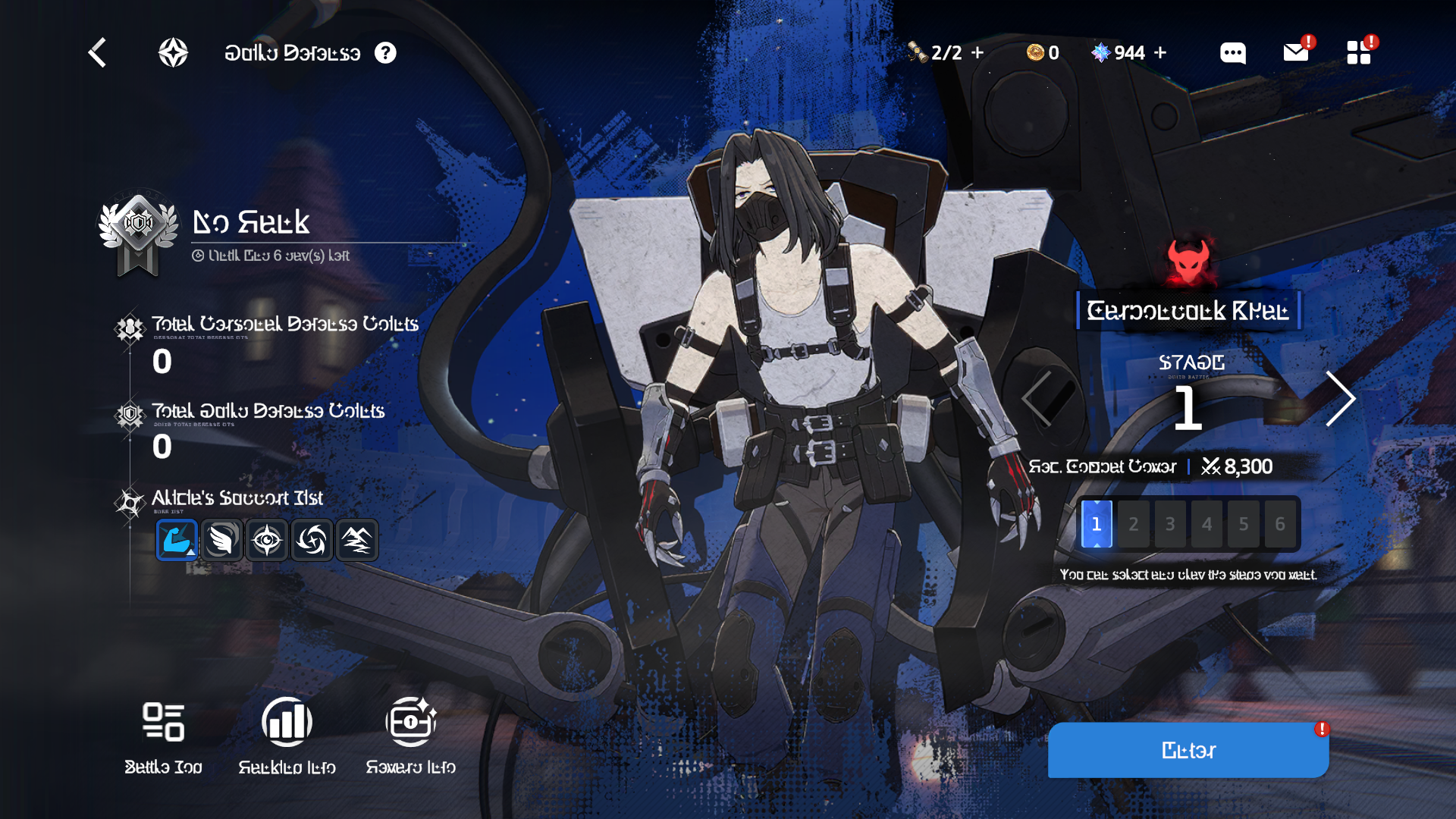 ※ Guild Defense cannot be played during the settlement period.
※ In Guild Defense Galaxy Season 2, ‘Carbonpunk Khan’ will appear as the Raid boss.
4. Hunt Quest Expansion
▶ ‘Hunt Quest’ has been expanded to Stage 14.
▶ To celebrate the ‘Hunt Quest’ expansion, the ‘Hunt Quest Expansion Check-in’ event will start.
▶ An \[Emotes] button has been added to the profile. Selecting it will display the Emotes popup.
- You can view your owned Emotes and set Quick Slots in the Emotes popup.
▶ Emotes can now be used in Ranked Match and Friendly Match.
- Only Emotes registered in Quick Slots can be used during battle.
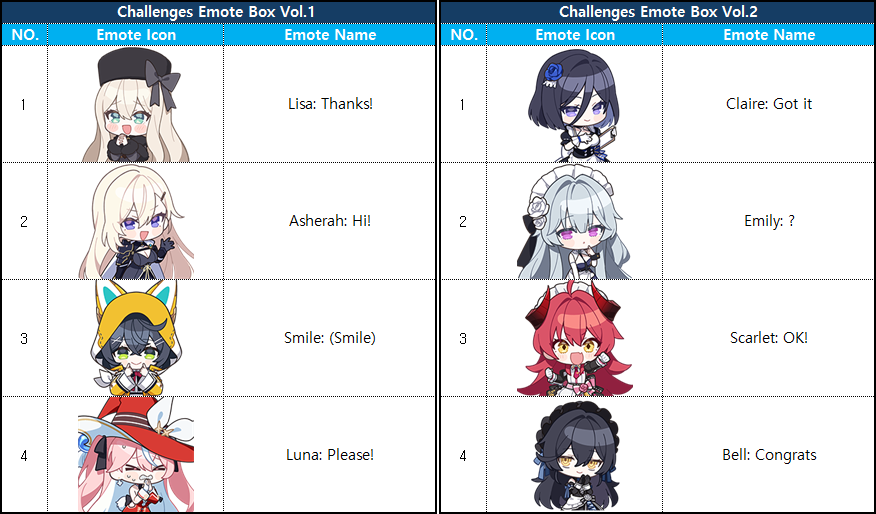
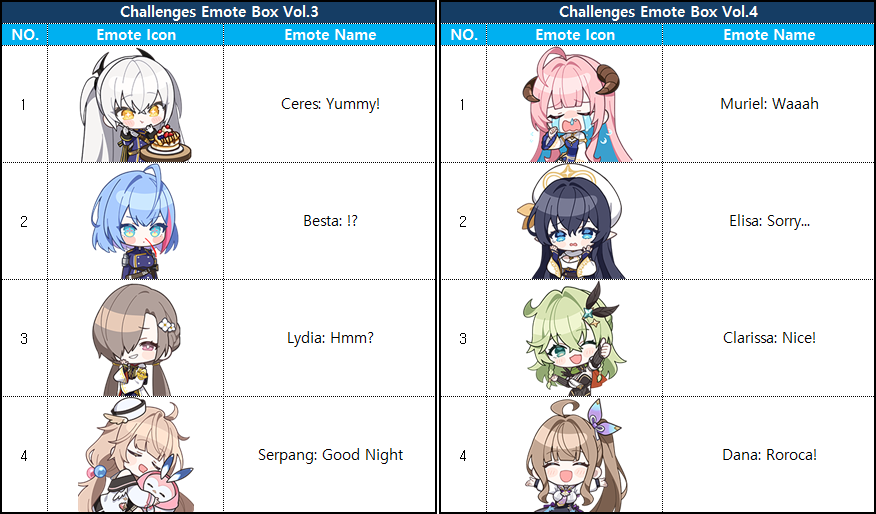
▶ New Challenges for obtaining Emotes have been added.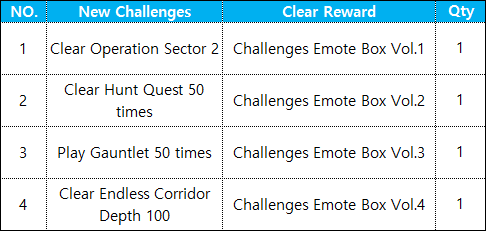
※ If already cleared, rewards can be claimed immediately.
▶ A ‘Skip’ feature has been added to Guild Defense, allowing battles to proceed faster.
▶ Dedicated Formation slots have been added, allowing up to 3 Formations to be set in Guild Defense.
- Saviors used on the same day will be excluded from auto-formation.
▶ A ‘Confirm Points’ feature has been added to Guild Defense, and the progress UI has been updated.
- After battle, you must complete ‘Confirm Points’ for Guild Defense points to be properly awarded.
- Selecting ‘Retry’ will not consume Savior Party Deployment Seals, and existing points will be reset before retrying.
- Please note that selecting ‘Leave’ will NOT consume Savior Party Deployment Seals, and no Guild Defense points will be awarded.
▶ During Guild Defense battles, the selected Alicia Support information and the portrait of the targeted Savior will be displayed on the left side of the screen.
▶ Score increases and decreases are now displayed, allowing for more intuitive Gauntlet match results.
▶ Level information has been removed from the Gauntlet UI, and tier score information has been added.
8-1. A new ‘Wind, Moon, and Blade’ event is now available under Main Lobby ‘Battle > Candle Square > Event’.
▶ Period: Apr. 16 after maintenance - May 7, 19:00 (UTC) 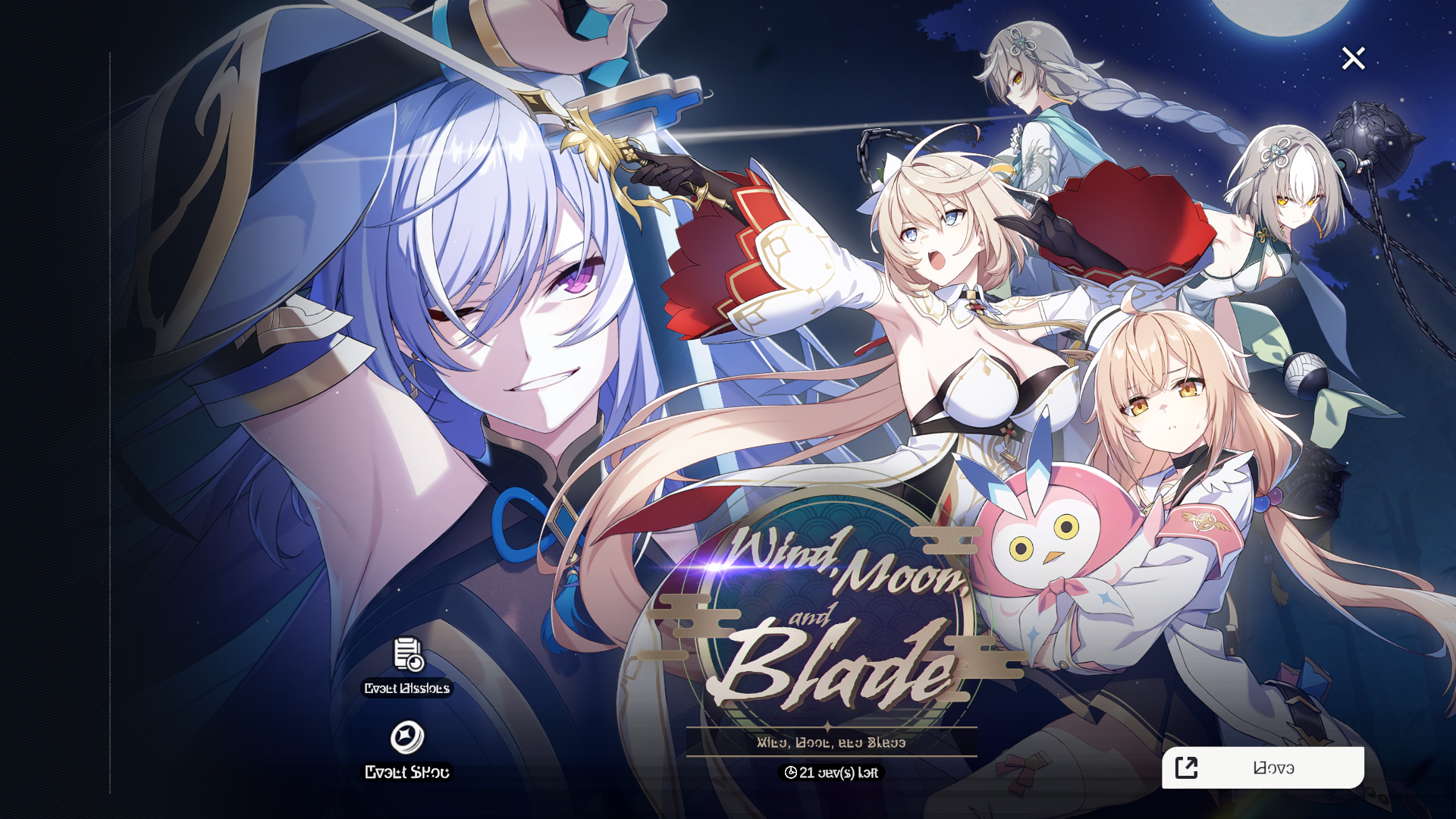
※ ‘Wind, Moon, and Blade’ event Story stages 1-6 will open after Apr. 16 maintenance, and stages 7-12 will open after Apr. 23 maintenance.
※ In this event, you can obtain various currency by clearing Story, Assault, and Challenge stages.
※ The bonus reward ‘Travel Funds’ can be used in the dedicated Shop to obtain items needed for growth.
8-2. ‘Wind, Moon, and Blade’ Check-in event will begin.
▶ Period: Apr. 16 after maintenance - May 7, 19:00 (UTC) 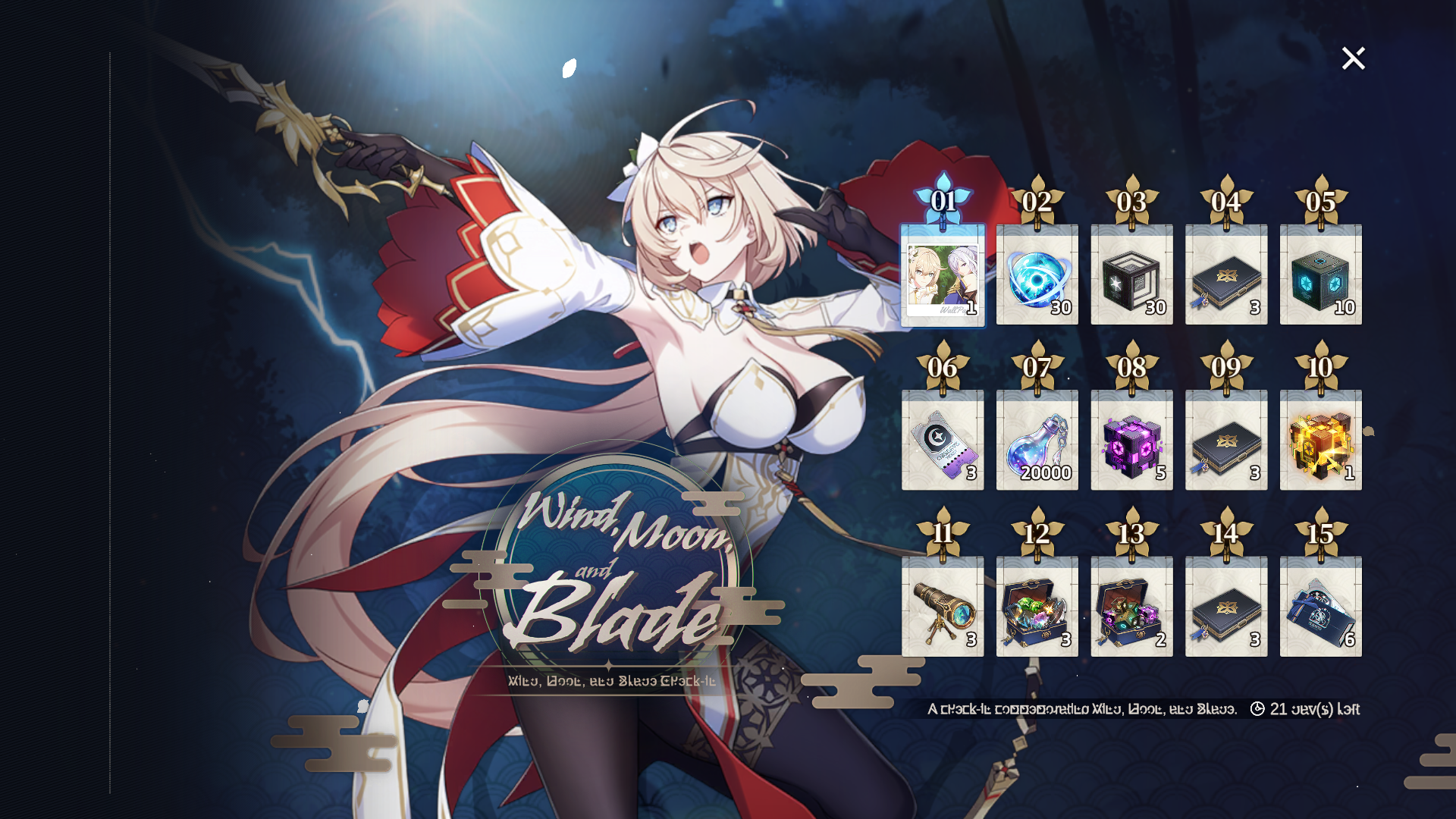
8-3. ‘Wind, Moon, and Blade Orbital Link’ event will begin.
▶ Period: Apr. 16 after maintenance - May 7, 19:00 (UTC)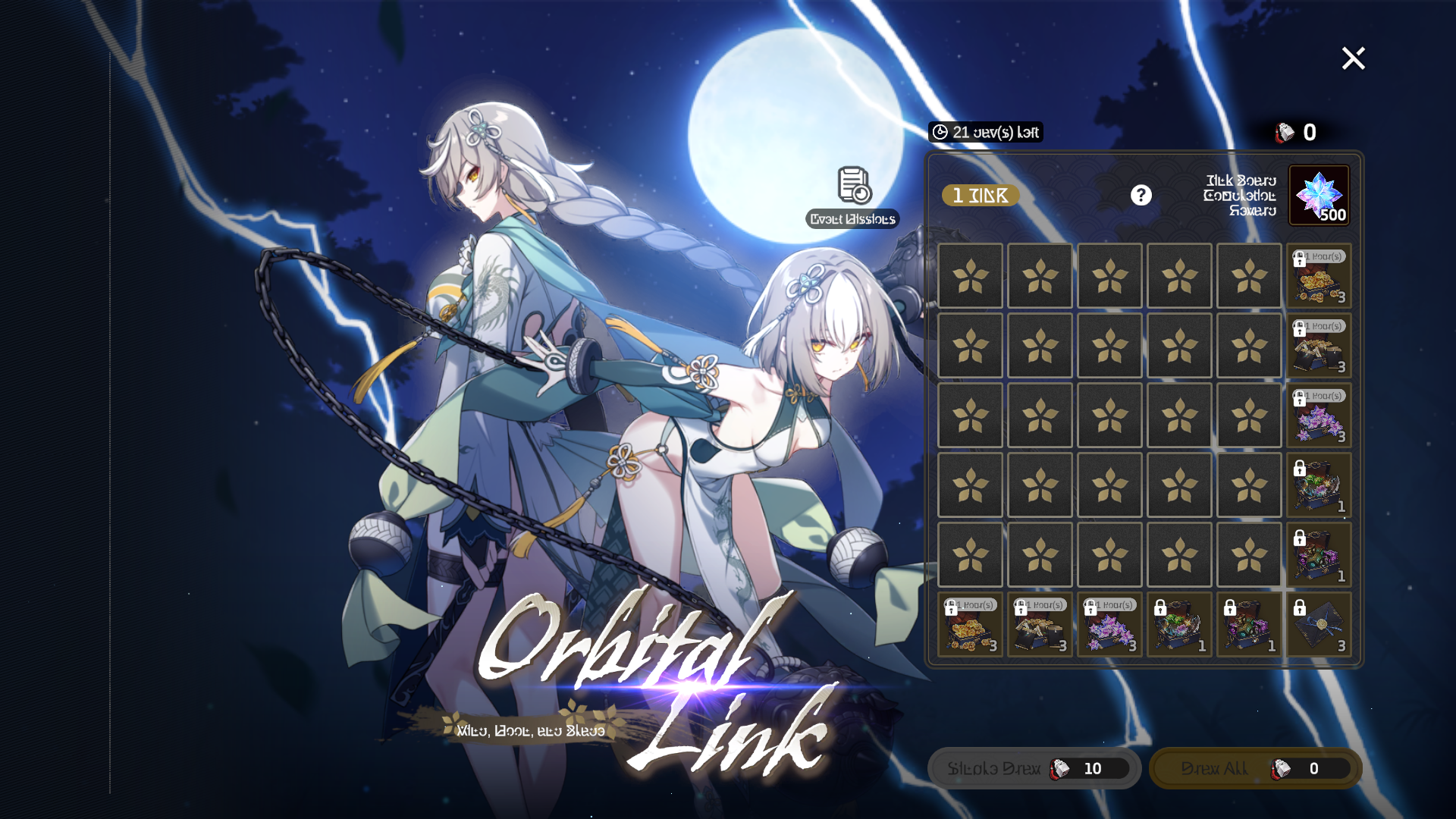
8-4. ‘Hunt Quest Expansion Check-in’ event will begin.
▶ Period: Apr. 16 after maintenance - Apr. 29, 19:00 (UTC)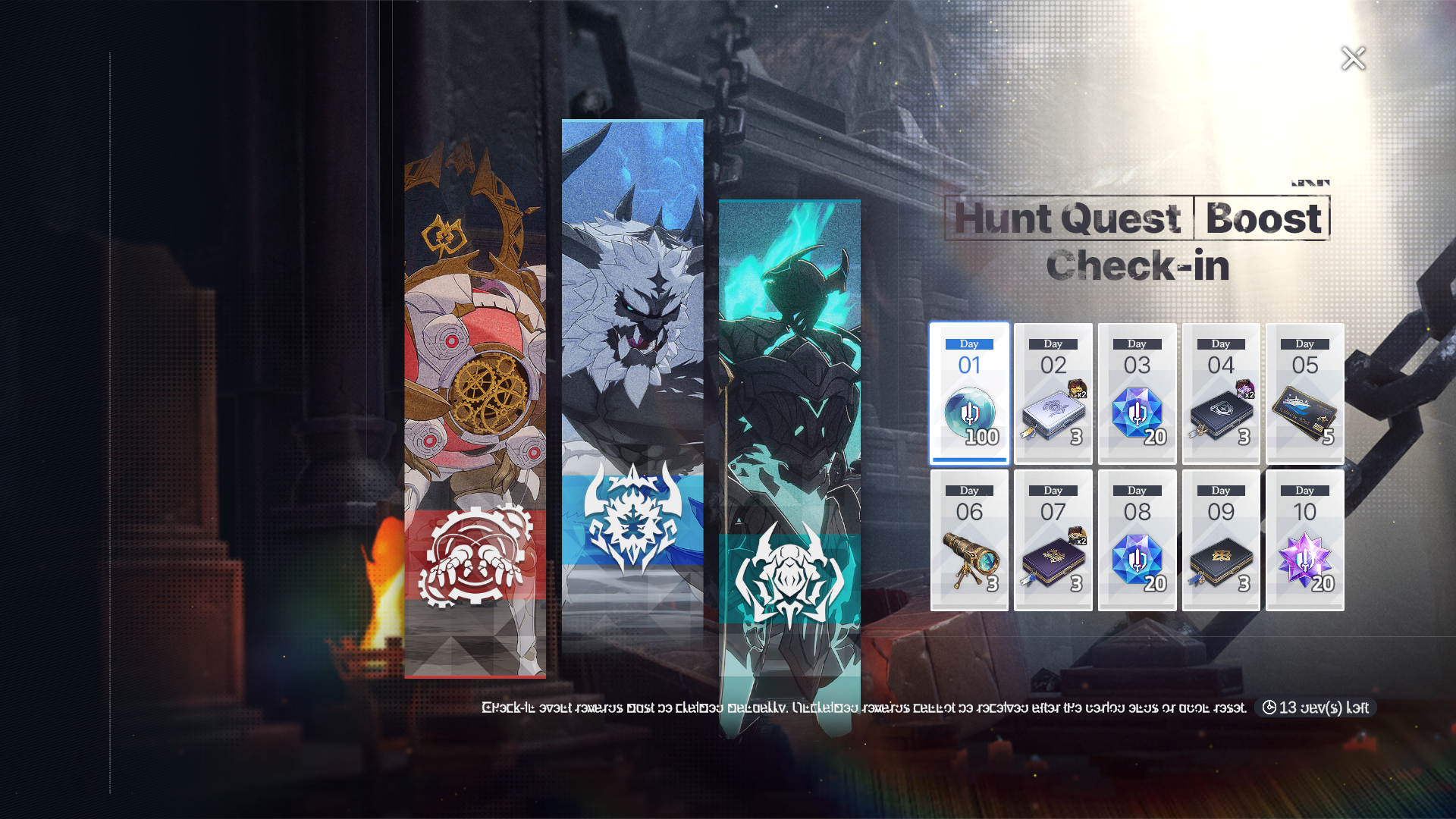
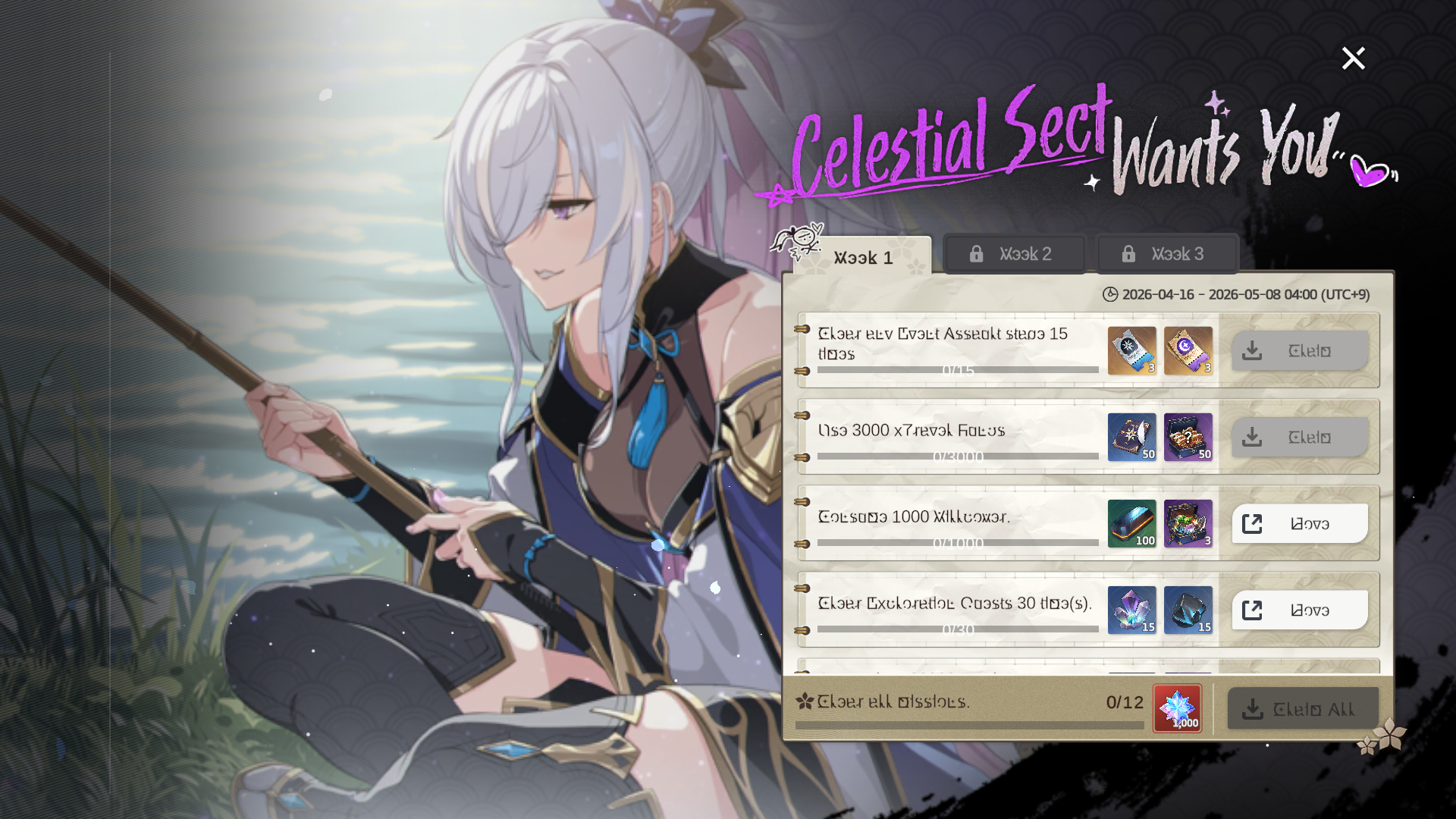
8-5. ‘Celestial Sect Wants You!’ mission event will begin.
▶ Period: Apr. 16 after maintenance - May 7, 19:00 (UTC)
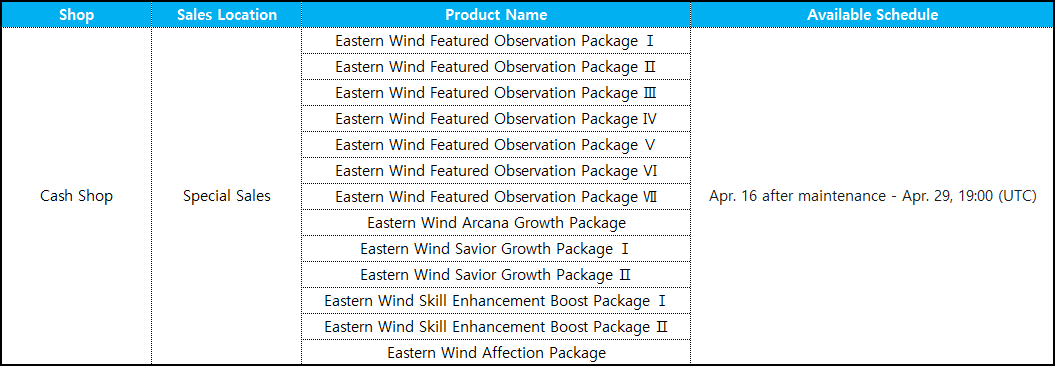
▶ New products have been added to the Cash Shop to celebrate the release of Savior ‘Lyn’.
- For more details, please check the Shop menu on the left side of the Main Lobby in-game.
▶ A new season begins for the Apocalypse Support Pass, Journey Support Pass, and Gauntlet Support Pass.
▶ Featured Arcana Observation Tickets have been added.
- Featured Arcana Observation Tickets are a currency that is used prior to Featured Observation Tickets when conducting Featured Arcana Observation.
▶ Savior \[Orbital Search Team: Roberta] and Arcana \[Roberta: Responsibility Atop a Pile of Paperwork] have been added to the following:
- Standard Observation / Galactic Guidance Stone / Planetary Guidance Stone / Star Guidance Stone
▶ In the Gear Filter, the \[Set] option area will now display set names alongside icons.
▶ Engraved Gear can now be compared and replaced without being unequipped.
▶ A banner and progress indicator have been added to the lower-left of the Operation UI for easier tracking of Operation Breakthrough Missions.
(Selecting the Operation Breakthrough Mission banner will immediately display the mission popup.)
▶ A banner and progress indicator have been added to the lower-left of the Interstellar Corridor UI for easier tracking of Interstellar Corridor Conquest Missions.
(Selecting the Conquest Mission banner will immediately display the mission popup.)
▶ Interstellar Corridor battle skip is now available from the Formation screen.
▶ A ‘Retry’ feature has been added to the Interstellar Corridor pause screen.
▶ Guidance Stone inventory status display has been added to the Flash Point UI.
▶ Flash Point will be moved from the Event tab to the General tab.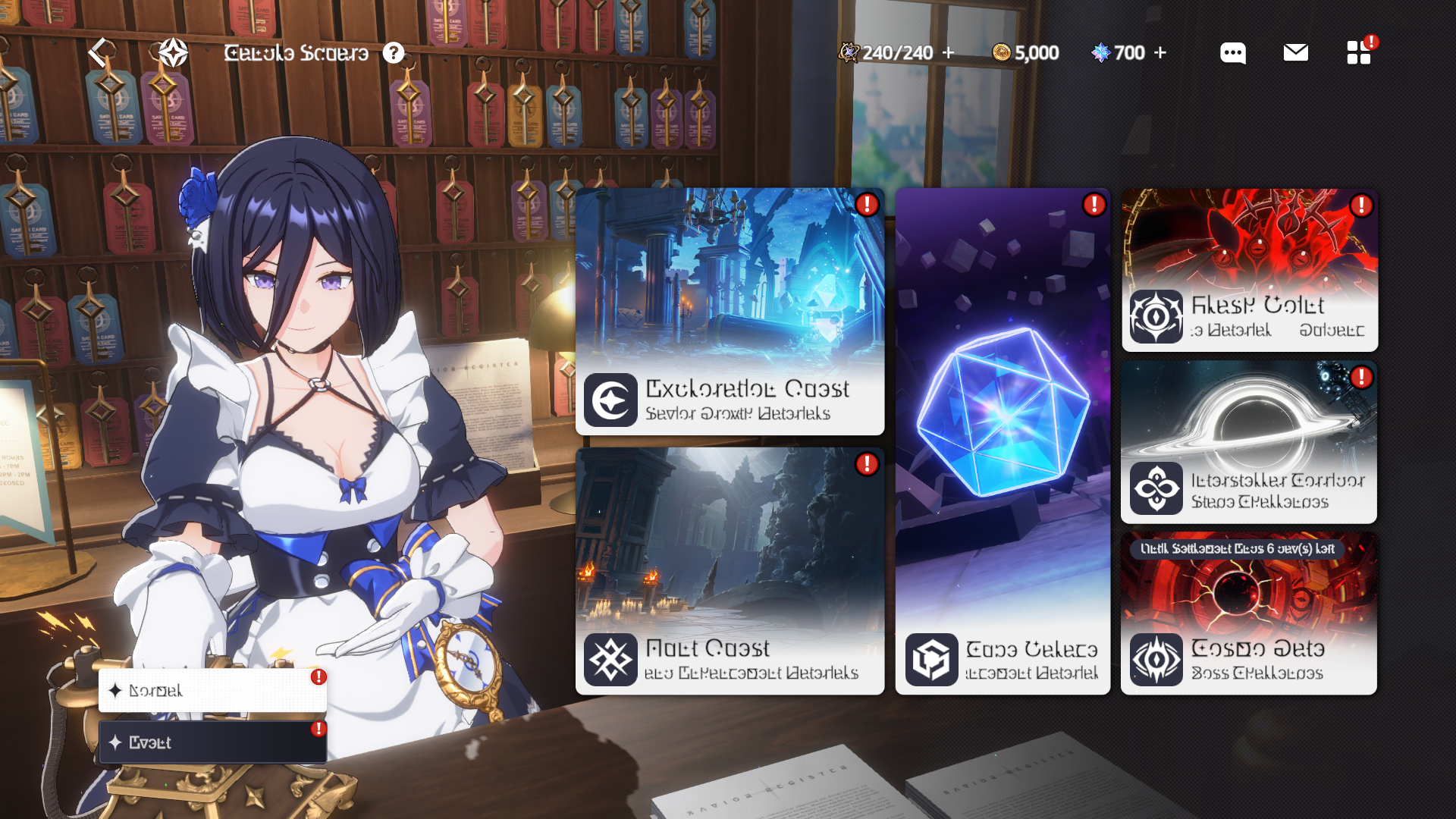
▶ When all Normal difficulty sectors in Operations are cleared, entering Operations will now navigate to Hard difficulty sectors.
▶ When applying the Resonance Filter on the Select Savior screen, the Savior Info screen will now display the Resonance UI.
▶ Favorite and Filter features have been added for Saviors/Arcana/Stellar Archive.
- Selecting the \[Star] icon will add the item to Favorites.
- Owned Saviors/Stellar Archive will be sorted in the following order: ‘In Formation > Favorites > Other search criteria’.
▶ An ‘Ignore Friendly Match Invites’ feature has been added under \[Menu] → \[Settings] → \[Game].
▶ The Sell feature for Gear has been improved.
- When selling enhanced Gear, Basic Enhancement Stones will be returned based on accumulated enhancement EXP.
▶ Combat Power Ranking has been added.
- Combat Power Ranking is calculated based on the total Combat Power of owned Saviors.
- Combat Power Ranking displays up to the top 100.
▶ Fixed an issue where an error message appeared when deleting a friend added on the same day.
Fix for this update has been delayed. We are sorry for the inconvenience. (Added Apr. 16, 05:45 UTC)
▶ ‘Flash Point Expansion Celebration Check-in’ event period has been extended by 1 week.
- Before: After Apr. 9 maintenance - Apr. 22, 19:00 (UTC)
- After: After Apr. 9 maintenance - Apr. 29, 19:00 (UTC)
▶ Fixed a Chinese translation error in the Challenge of the Stars effect description.
▶ The reset time for products in the Cash Shop will be changed to 19:00 (UTC), aligning with the Apocalypse Shop.
\[Note] - The schedule may change depending on the update situation. If there are any changes, additional information will be provided through this notice.
- For mobile devices, data usage may be required to download the update upon reconnecting. We recommend using Wi-Fi.
Thank you.

StarSavior contains the following kinks:
More from StarSavior